Product Customization Guide
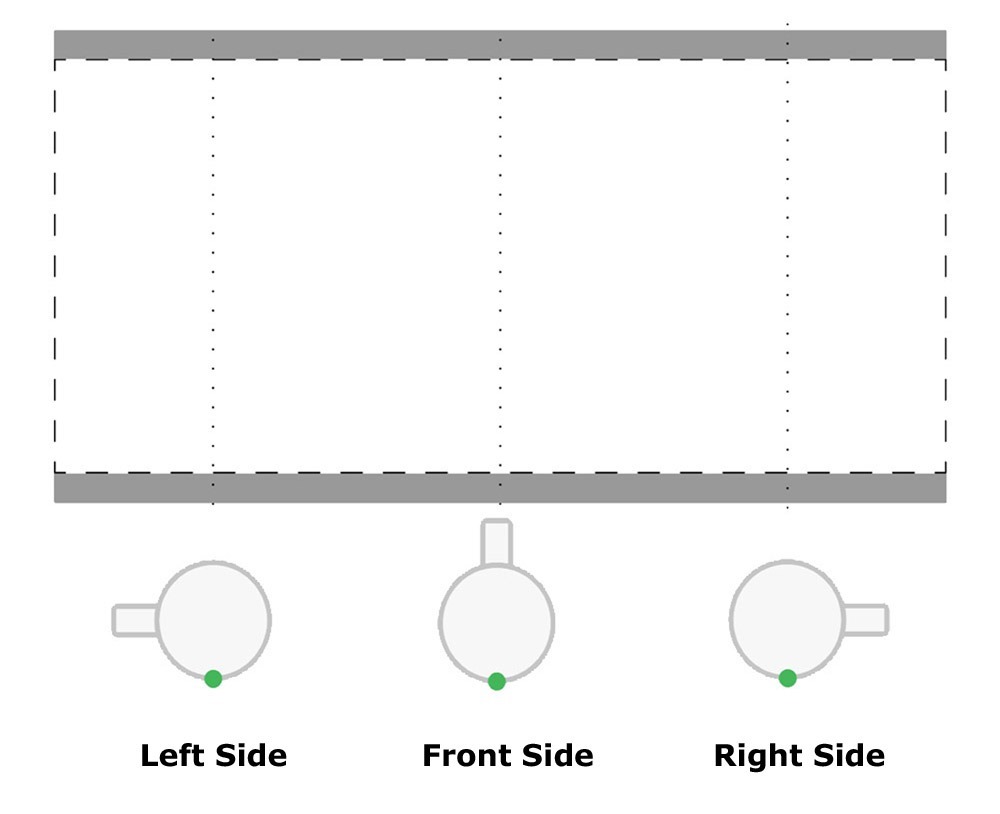
Mugs have 3 sides front, right & left. You have to carefully choose the side and the margins.
When you are done with the design to proceed with the order click on Add Product To Cart button on the top right corner.
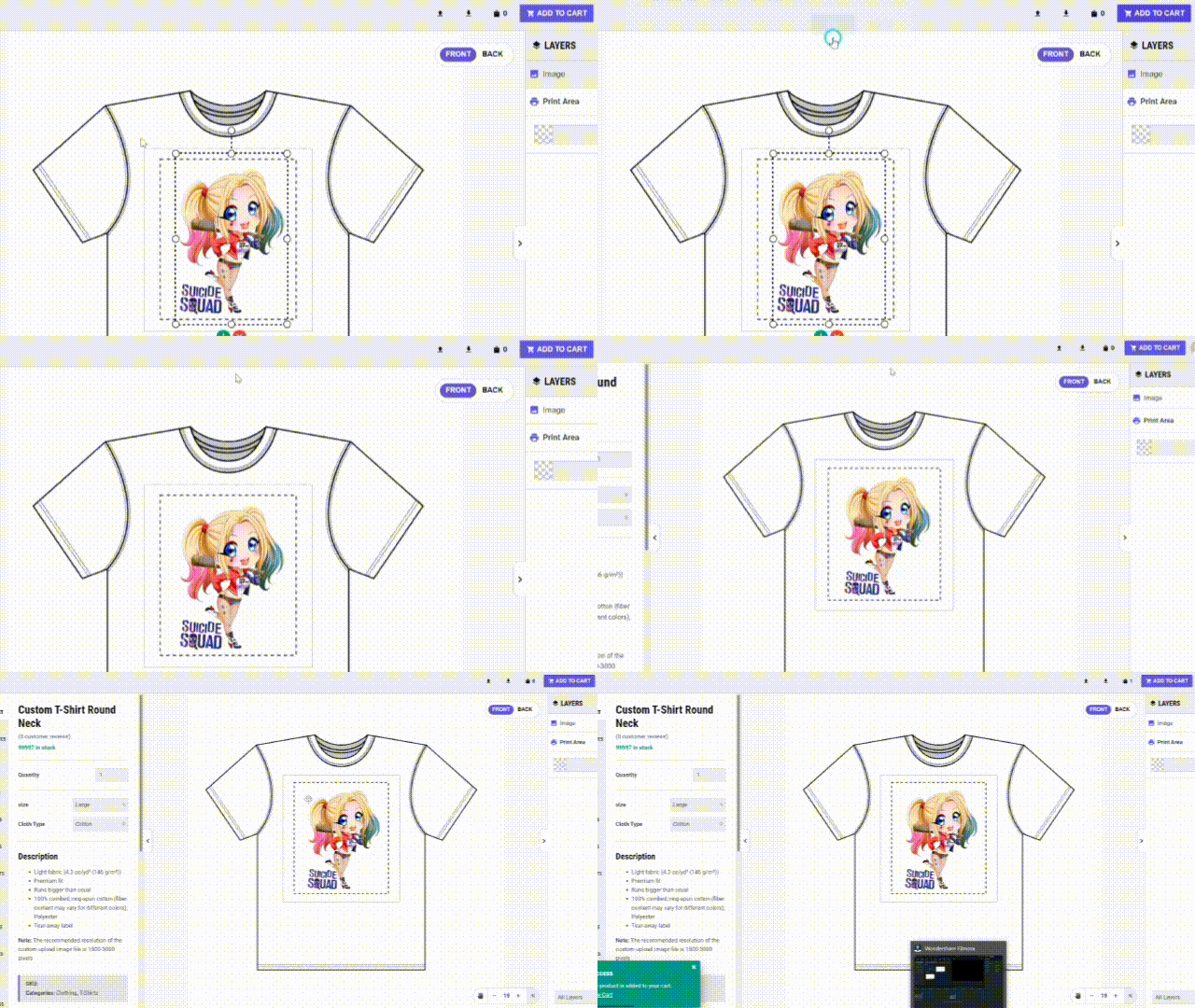
Select quantity / size / type etc. of clothing and other options from PRODUCT Panel from the side menu.

The dash lines in any POD (Print-on-demand) product page are the final image boundaries that can be extended to.

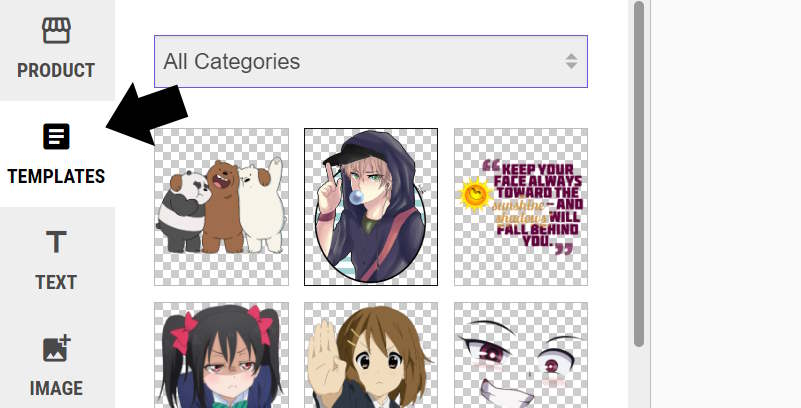
- You can leave the design to us. Just select TEMPLATES from the left menu. Click on the Image item and select your desired design.
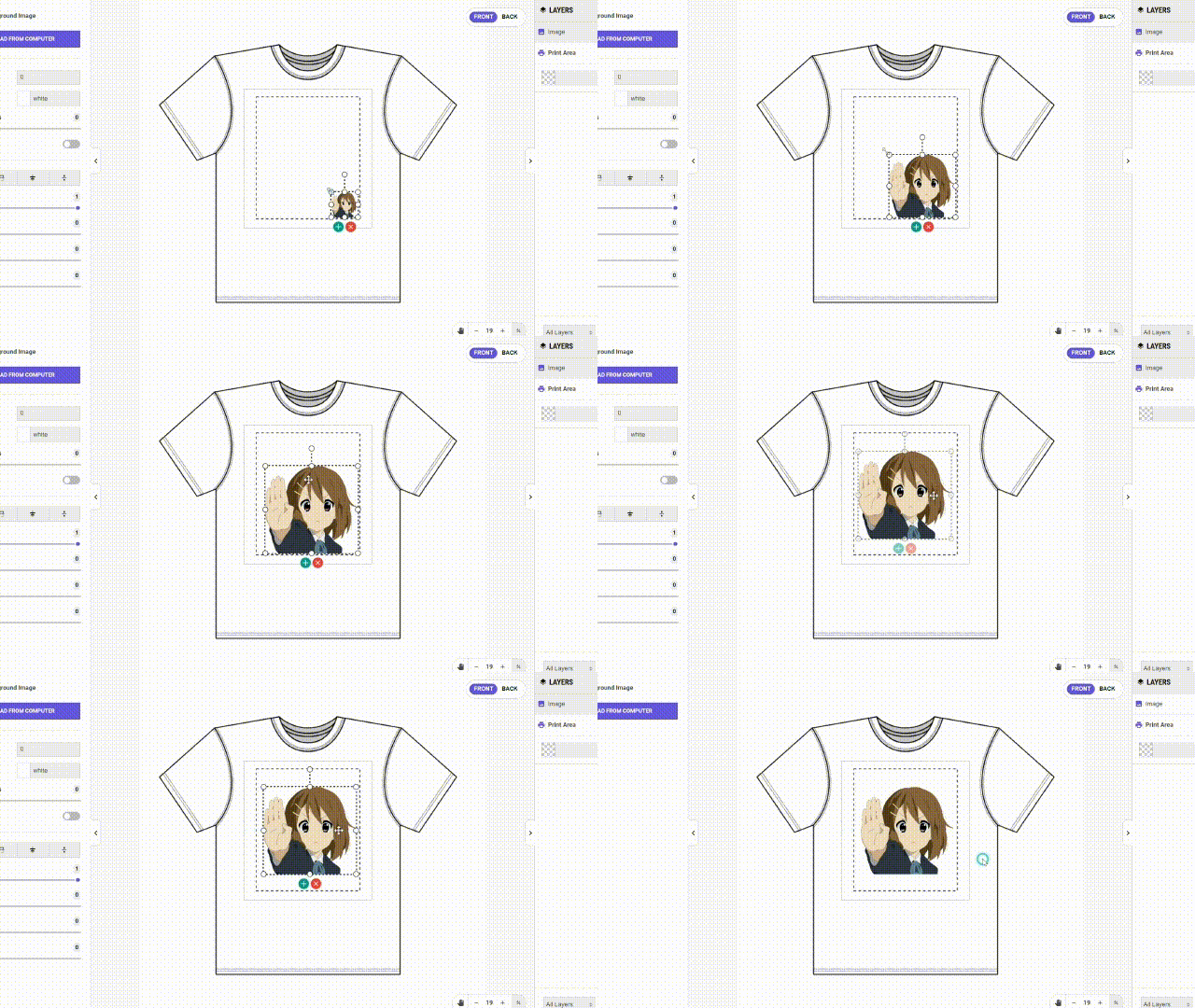
- Adjust the size and width of the image file or template image according to your needs!
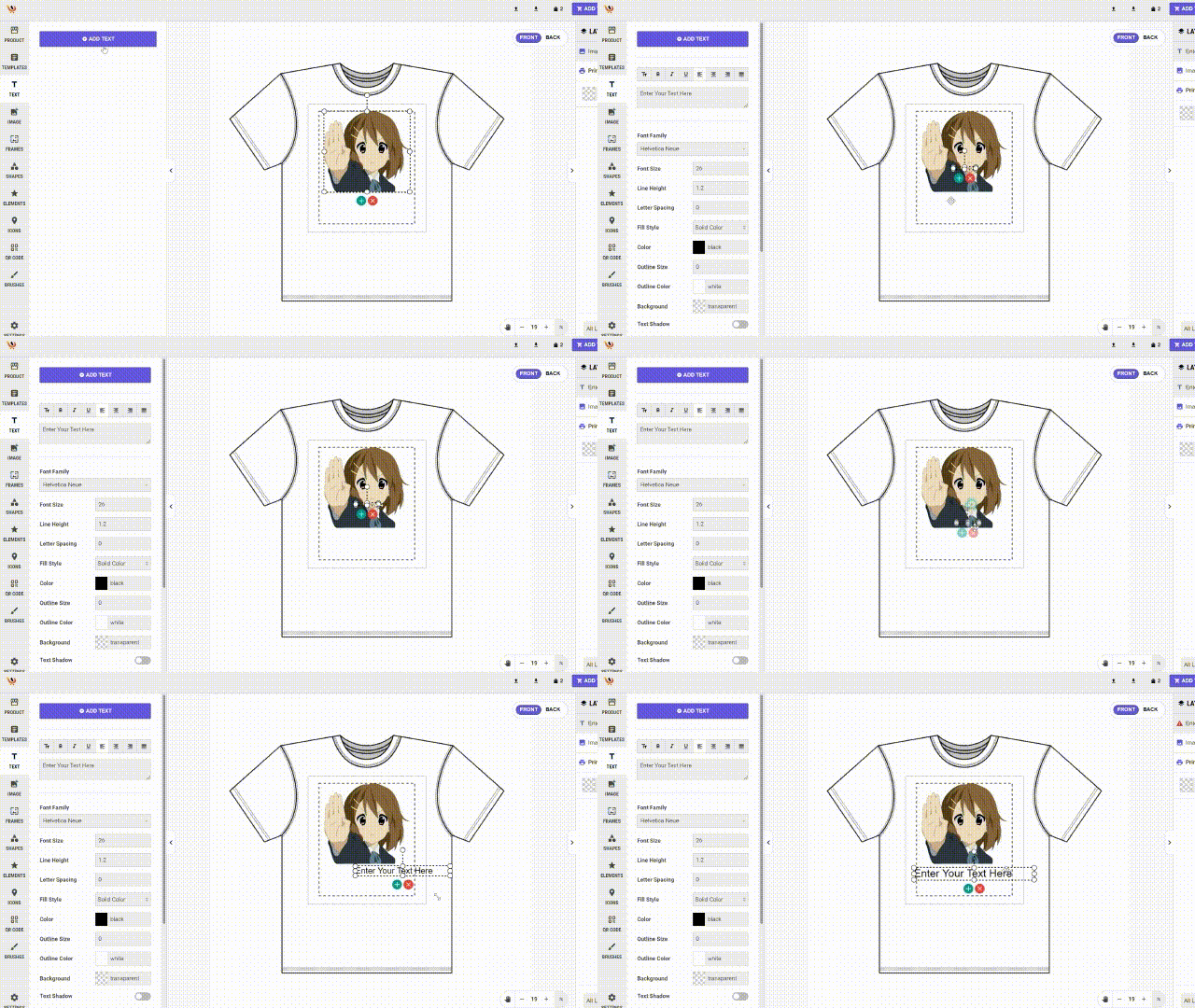
Select TEXT from the side menu which will add text to the screen you can customize the text according to your needs!

From the left main click on the IMAGE item and Select > Upload From Computer
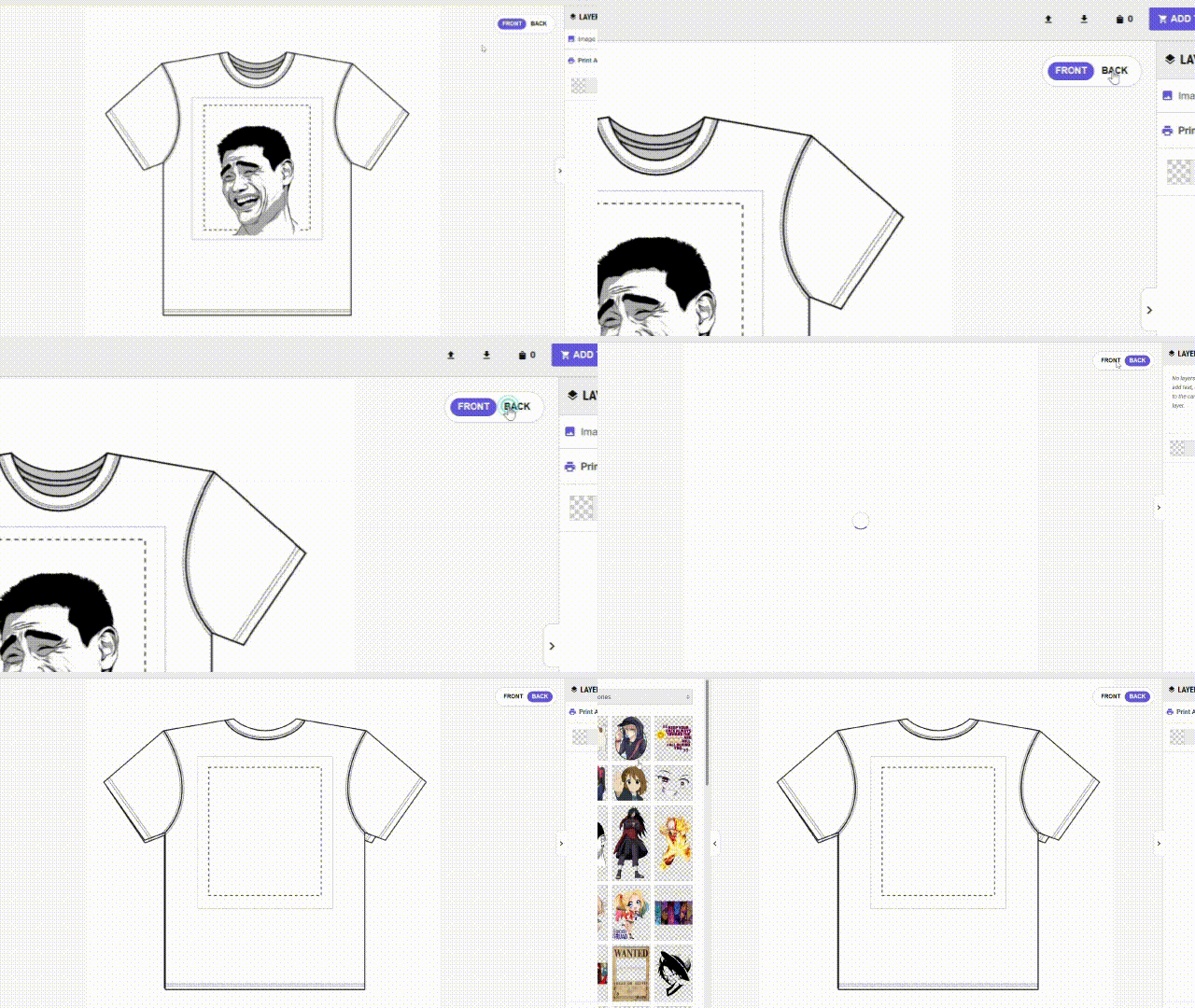
You can select Front and Back side of Clothing at the top right corner as shown below.